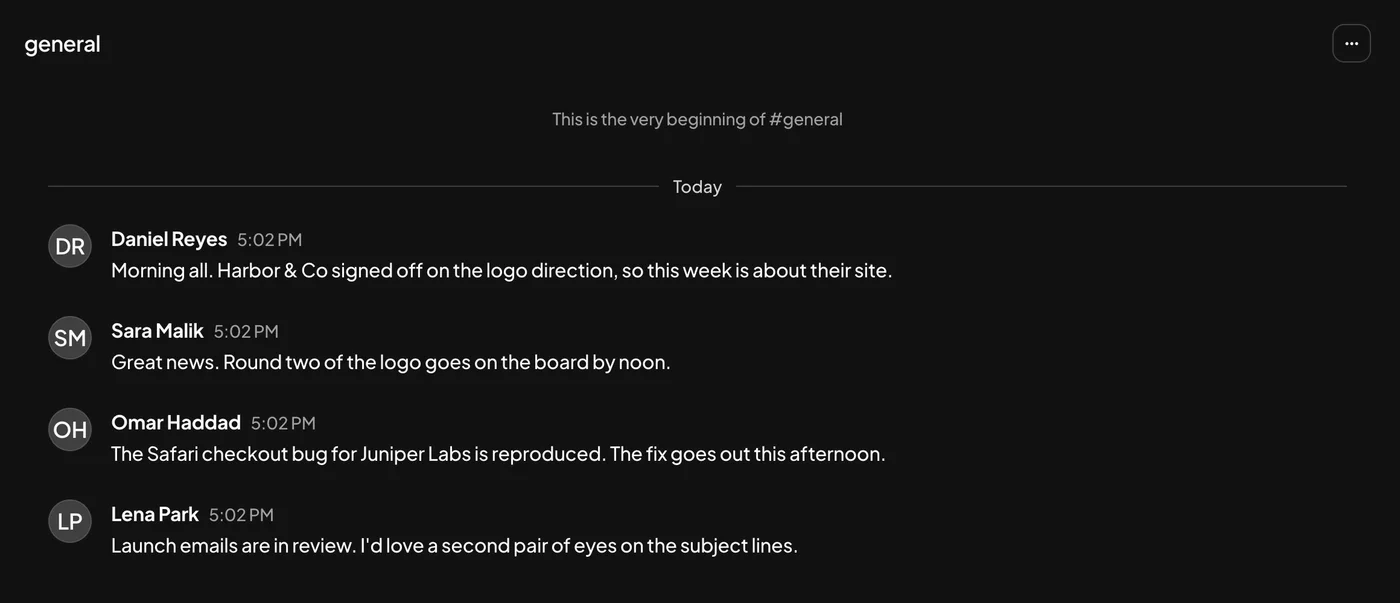
Messages
Channels, direct messages and threads, with voice notes and calls built in.
Projects, docs, files and conversations in one workspace. Connect Claude, ChatGPT or Cursor, and every agent picks up where the last one left off.
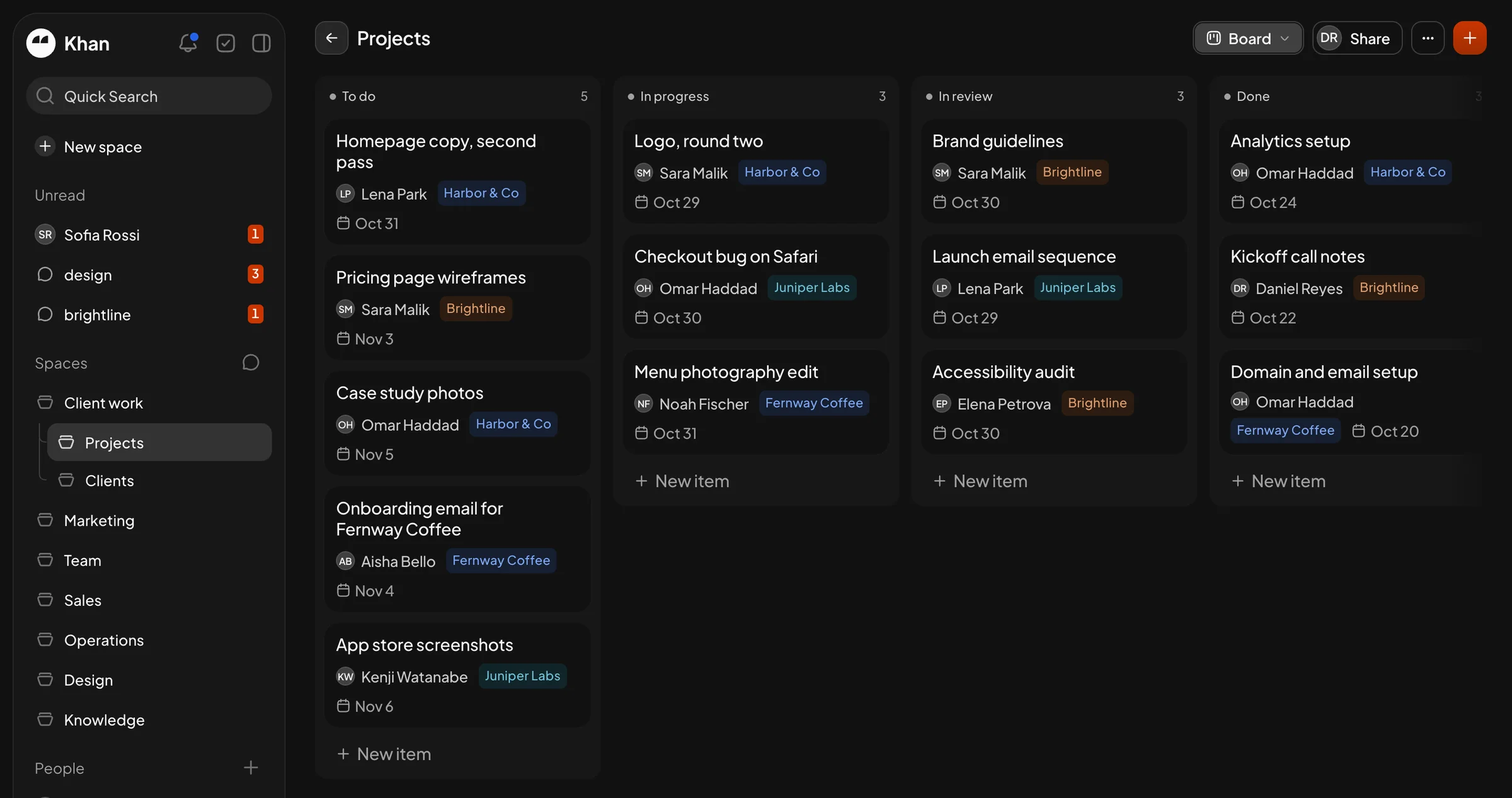
The real app, with a made-up team.
Features
Stop paying for five tools that don't talk to each other. Your projects and your conversations live side by side.
Channels, direct messages and threads, with voice notes and calls built in.
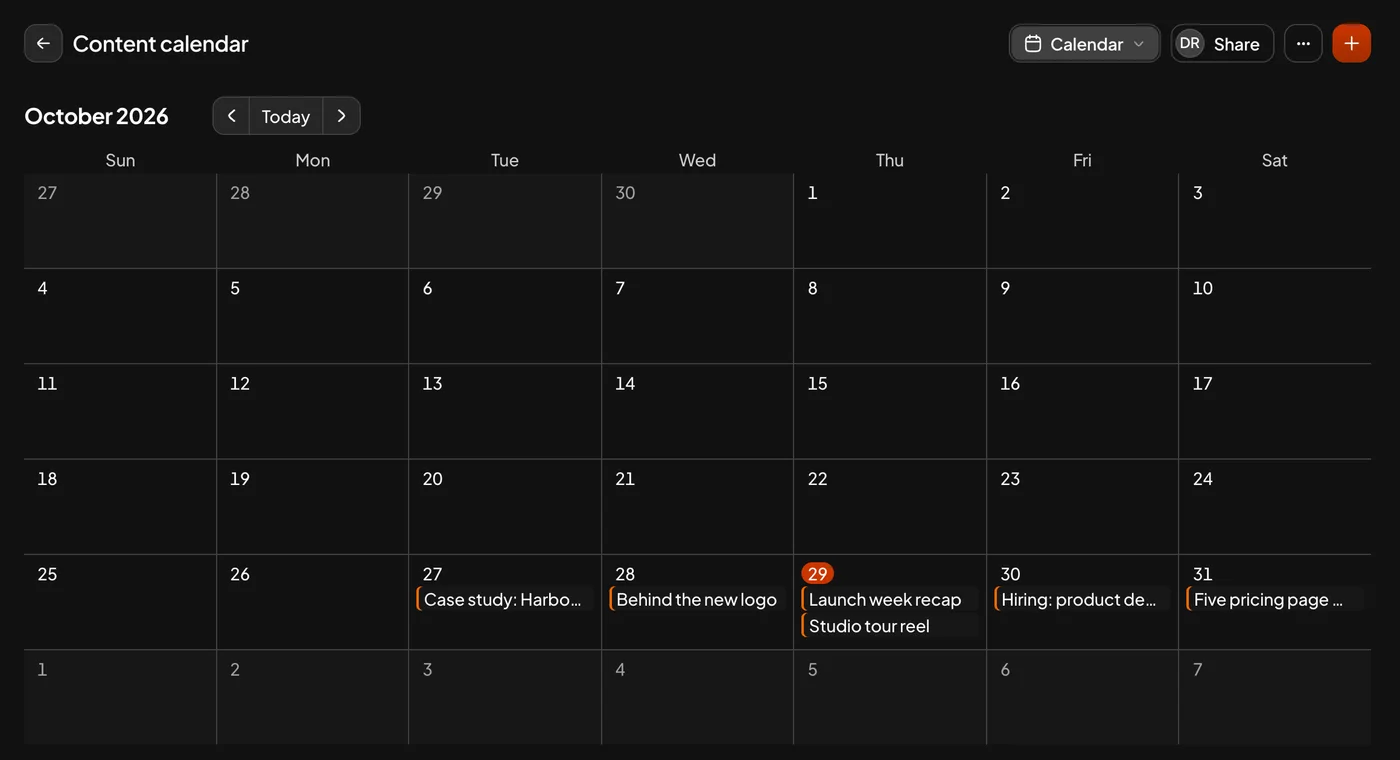
Pages and databases. Show the same work as a board, a table, a calendar, a gallery or a form.
Invite clients as guests. They see only the spaces you share with them.
Everything assigned to you, from every space, in one list.
Send a public link to any page, or share it with the right people only.
Why one place
Separate apps are fine on their own. Here is what they leave to you.
Built for AI agents
KhanOne speaks MCP, the open standard AI agents use to work in other apps. Claude, ChatGPT and Cursor read the same projects, files and playbooks, and see what the others changed, so no agent starts from zero.
Projects, docs, files and chats are the context every agent reads, the same one your team works in.
One agent's update is the next one's starting point. Cursor ships the fix, Claude tells the client.
Write how your team works in a page. Every agent you connect can read it and follow it.
https://app.khanone.com/mcp and sign in to KhanOne.Pricing
No per-seat maths. Add every teammate and client you work with.
$10a month, per workspace
One home for your team's work, and one shared context for your AI agents.
Card needed to start. Cancel before day 14 and pay nothing.
$50a month, per workspace
For agencies who run their clients on it: everything in Pro, plus the apps.
Billed monthly from day one. Cancel any time.
FAQ
You pay once for the whole workspace, not for each person. Invite as many members and guests as you work with; the price stays the same.
Pro starts with 14 days free. You add a card at checkout and aren't charged until the trial ends. Cancel before then from Settings, Billing, and you pay nothing.
MCP is an open standard that lets AI assistants use other apps on your behalf. You don't need it to use KhanOne, but with it Claude, ChatGPT or Cursor can read and update your workspace when you ask them to. It only reaches what your own account can see.
Max includes Khan AI, the built-in assistant, which runs on your own key from Anthropic, OpenAI or Google. You pay your AI provider directly for what you use, and your workspace data goes only to the provider you chose.
Any time, from Settings, Billing. Moving up to Max takes effect straight away. If you cancel, your workspace stays open until the end of the month you've paid for.
The team behind KhanWork, a design and web agency that runs its own client work on KhanOne every day. It's operated by MASK IT, LLC.